New leaders inherit risk before they inherit context.
You were hired to move something forward. Before you can do that, you have to understand an environment that was built by decisions you were not part of, documented by people who have moved on, and shaped by budget cycles you did not sit in. Most technology executives spend their entire first quarter trying to reconstruct why things are the way they are.
This is written for the person in that position. Newly appointed, running technology for a US organization somewhere between 250 and 5,000 people, holding a Microsoft environment you did not design. The seven questions below are the ones worth answering before you commit to a roadmap, and each one includes how to find your answer rather than just why it matters.
Why the First 90 Days Are Different From the First Year
There is a window that closes.
For roughly your first quarter, you can examine everything without it being a judgment on anyone, including yourself. You can ask why a thousand licenses were provisioned, why a permission model looks the way it does, why a workload has been running at that size since 2023, and the answer is simply information. Nobody is defending anything yet, including you.
After that window, every finding becomes partly yours. The license mix you did not choose becomes the license mix you did not fix. The exposure you inherited becomes the exposure you accepted. This is not fair, but it is how organizations assign memory.
The practical consequence is that the assessment work you do now is cheaper in political capital than the same work done later. It is also more useful, because findings gathered in your first quarter arrive with the credibility of fresh eyes rather than the defensiveness of an incumbent.
One thing worth knowing early, because many people in this seat do not: Microsoft funds advisory engagements for organizations in this segment. These are structured assessments of a live environment, delivered by providers rather than by Microsoft directly, and they exist because Microsoft has an interest in customers understanding and using what they already own. Whether you use one or do the work internally, the fact that the funding mechanism exists is worth knowing in your first quarter rather than your third.
How Do I Know If We Are Actually Secure, or Just Feel Secure?
What good looks like. A well governed environment can answer three questions with data rather than with reassurance. Who can reach what. What would we detect if it happened tonight. How quickly would we know.
Most organizations can answer none of the three, and they do not realize it because their tooling reports confidently on the narrow slice it was configured to watch.
How to find your answer. Start with Microsoft Secure Score, which gives you a baseline in an afternoon and, more usefully, gives you the list of controls that are available and not enabled. Then do the thing the score cannot do for you: pick three realistic scenarios for your organization, a compromised executive mailbox, a departed employee retaining access, sensitive data shared externally, and trace whether you would actually detect each one.
Then run the access test. Take an account with typical permissions and see what it can reach across SharePoint and OneDrive. Not what the documentation says it can reach. What it can actually open.
What usually surfaces. Permission structures that grew by exception rather than by design. Sites shared organization wide years ago for a project that ended. Guest accounts from vendors who finished their work. Detection coverage on endpoints but not on identity, which is where most intrusions now begin. And often, a security score that looks acceptable because the controls that would lower it were never turned on to begin with.
Are We Getting Value From the Microsoft Licenses We Already Pay For?
What good looks like. License allocation follows role, and somebody reviews it on a cycle rather than at renewal. Add ons are checked against the bundles that already include them. Departures trigger deprovisioning automatically.
How to find your answer. Pull the license assignment report from the Microsoft 365 admin center, then pull active usage for the last 30 days, and compare the two. Do not compare assignment to headcount, which tells you nothing. Compare assignment to use.
Then sort your population by role rather than by department and ask what each role actually needs. A frontline worker on a knowledge worker tier is the most expensive common mistake in mid market environments. Our Microsoft 365 license cost guide covers how the tiers map to real usage patterns.
What usually surfaces. Gartner estimates that 22 percent of Microsoft 365 licenses in enterprises go unused for at least three months. In practice the waste concentrates in three places: users sitting on a tier above what their role requires, standalone add ons duplicated inside a bundle the organization already pays for, and seats never removed after departures.
The timing matters more than usual right now. Microsoft’s pricing and packaging update took effect on July 1, 2026, raising several plans, with some frontline plans increasing substantially. Every seat you are not using now costs more at renewal than it did last year. If your renewal is ahead of you, the audit work has a deadline attached that you did not create.
What Operational Risks Am I Carrying That Nobody Documented?
What good looks like. Someone can produce a current list of what runs, who owns it, what happens when it fails, and when it was last tested. In most organizations this list exists in three heads and one outdated wiki.
How to find your answer. Ask three questions and watch how quickly they get answered. What is our recovery time objective for the systems that matter, and when did we last verify it. Which cloud resources have no named owner. What is still running that nobody has looked at in a year.
Speed of response tells you more than the answers. A confident answer in a day means the discipline exists. A week of research means it does not.
Then look at spend as a proxy for undocumented risk. Cloud resources that nobody can explain are usually resources that nobody is monitoring either. Our breakdown of the five levers that control an Azure bill covers where those tend to hide.
What usually surfaces. Backups that run but were never restored from. Certificates with no renewal owner. Legacy authentication still enabled for one integration that nobody wants to touch. Non production environments running continuously because turning them off was never anyone’s job.
Where Is Technical Debt Slowing My Team Down?
What good looks like. The team spends most of its time on work that moves the organization forward, and the proportion is measured rather than assumed.
How to find your answer. This one you get from people, not from tooling. Ask each member of your team the same question in your first few weeks: what takes you longer than it should, and why. Then look for the same answer appearing three times. That is not a complaint, it is a finding.
Cross reference with ticket data if you have it. The categories that recur most are usually the ones where a manual process is standing in for an automated one.
What usually surfaces. Onboarding and offboarding done by hand. Reporting assembled monthly by copy and paste. An approval workflow that exists because of an incident nobody remembers. Integrations held together by a scheduled task on a machine under someone’s desk, physical or virtual.
Technical debt in mid market environments is rarely architectural. It is almost always procedural, which is good news, because procedural debt is cheaper to pay down.
Which Technology Investments Will Show Business Impact Fastest?
What good looks like. Investment decisions are argued in terms the finance side recognizes: cost avoided, risk reduced, capacity created. Not in terms of platform features.
How to find your answer. Rank every candidate initiative on two axes. How long until it produces a visible result, and how confident are you in the estimate. Then choose from the top left quadrant first, not because those projects matter most, but because early credibility is what buys you permission for the projects that do.
For anything cost related, establish the baseline before you start. You cannot claim a saving you cannot measure against a prior number. This is the discipline our guide to building a cloud financial management practice is built around.
What usually surfaces. The fastest wins in Microsoft heavy environments are almost always in license realignment and in scheduling non production workloads, because both are reversible, neither requires architectural change, and both produce a number you can put in a slide within a quarter.
Are We Actually Ready for AI and Copilot, or Do We Just Want to Be?
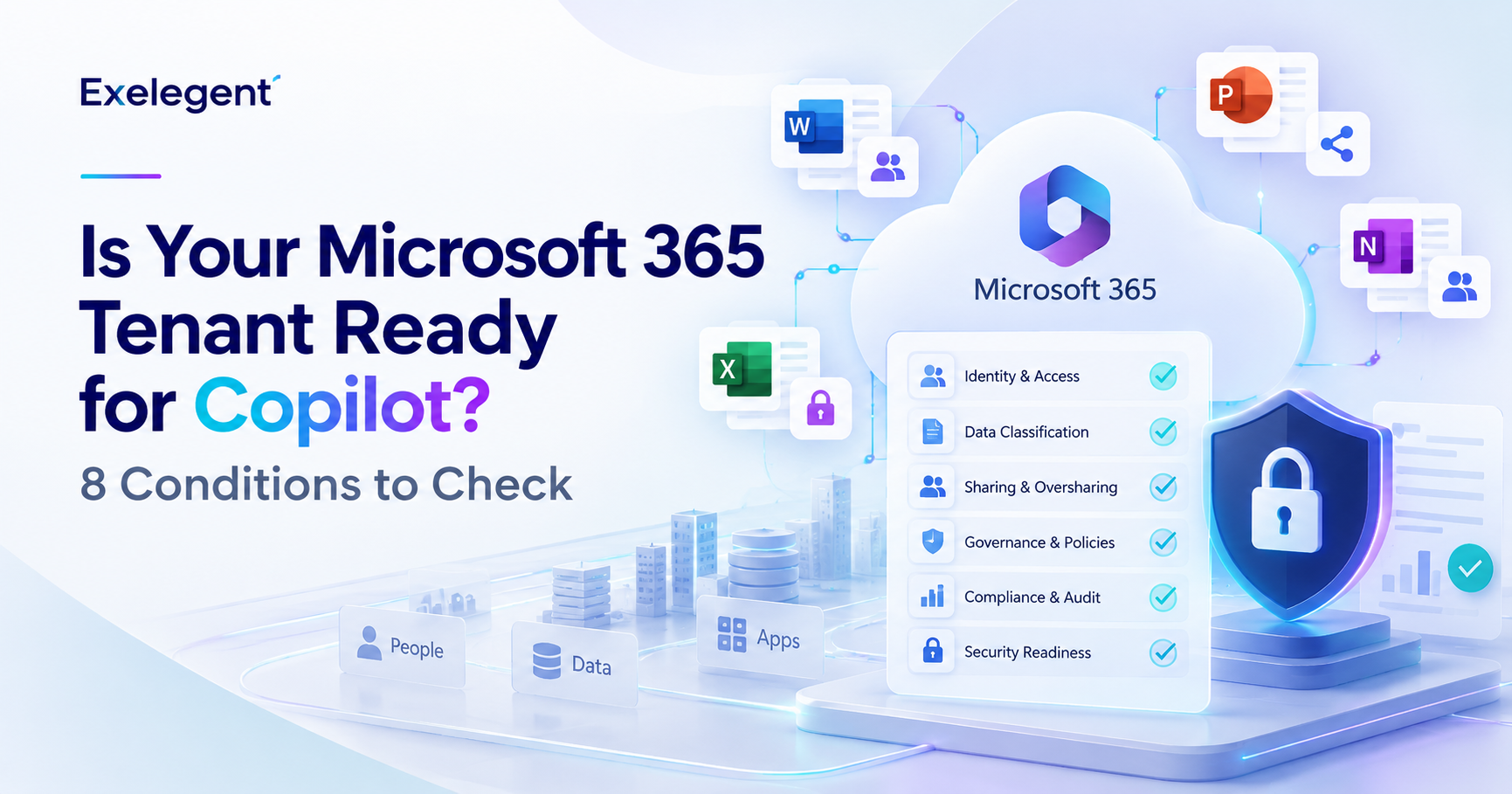
What good looks like. Readiness for AI is mostly a data governance question rather than a licensing one. Copilot surfaces content each user already has permission to see. If your permissions are precise and your sensitive content is labeled, Copilot amplifies good governance. If they are not, it makes every gap visible to every licensed user at conversational speed.
How to find your answer. Before evaluating licenses, run the access test from question one again, this time specifically against content that would be embarrassing or damaging if surfaced. Compensation data. Board material. Legal correspondence. Personnel files.
Then check whether Microsoft Purview sensitivity labels are deployed to your primary repositories, and whether your data loss prevention policies were written for email and file sharing only, which is the common gap. Our Copilot readiness assessment guide walks through the full sequence.
What usually surfaces. Organizations that assigned Copilot licenses before reviewing permissions and then spent months in remediation while adoption stalled. The pattern is consistent enough to be predictive: readiness work done first produces adoption, readiness work done after an incident produces distrust that takes quarters to recover from.
If I Joined Today With No History, What Would I Prioritize First?
This is the most useful question of the seven, and it is not a diagnostic. It is a way of thinking that stays useful long after your first quarter ends.
Every environment accumulates decisions that made sense once. A tool chosen for a requirement that no longer exists. A structure built around a team that reorganized. A process designed for a risk that was mitigated another way. These do not announce themselves, because everyone who remembers the reason has stopped questioning the result, and everyone who does not remember assumes there was one.
You have a short period where you can see the environment without knowing its history, and that ignorance is the single most valuable analytical asset you will ever have here. In six months you will know why everything is the way it is, and knowing why makes it much harder to see that it should be different.
How to use it. Write down what you would prioritize based only on what you can observe today, before anyone explains the history to you. Date it. Put it away. Revisit it at month six.
The gap between the two lists tells you two things. Where the history genuinely justified the decision, and where you simply adapted to it. The second category is where your real roadmap lives.
What usually surfaces. Executives who do this exercise consistently report that the naive list was directionally right on the things that mattered most, and wrong mainly on sequencing. Which is to say: your first instincts about what is broken are usually correct, and your first instincts about what to fix first are usually not.
How the Answers Become Your Roadmap
Seven answers, sequenced, are a plan. The sequence that works in most Microsoft environments:
First, establish the baseline. Questions one, two and three produce facts. Not opinions about the environment, but measurements of it. This is the part most people skip, and skipping it is why so many first quarter roadmaps get argued rather than approved.
Second, take the reversible wins. License realignment and workload scheduling produce measurable results without architectural risk. They also produce something more valuable than the savings, which is evidence that your assessment was accurate.
Third, sequence the structural work. Governance, identity, detection, and AI readiness are longer projects. They get approved on the credibility built by the first two steps, not on their own merits.
Fourth, put it in front of leadership as findings rather than as requests. A roadmap built on measured facts is a mandate. A roadmap built on professional judgment is a negotiation. The difference is entirely in whether you did the baseline work.
On that last point, a note about how the baseline gets built. Microsoft funds advisory engagements that produce exactly this kind of assessment, delivered by providers and structured around a live environment rather than around best practice slides. For qualifying organizations these carry no cost, which means the baseline work that makes everything else defensible does not have to wait for a budget cycle you were not part of.
Frequently Asked Questions
I just inherited a Microsoft environment. Where should I start?
Start with a factual baseline rather than with a plan. Pull license assignment against actual usage, run an access test to see what a typical account can reach, and identify which cloud resources have no named owner. These three exercises take days rather than weeks and produce findings you can act on. Building a roadmap before establishing the baseline is the most common first quarter mistake, because it produces a plan that gets argued rather than approved.
How long should a new technology leader spend assessing before acting?
Assessment and action overlap rather than sequence. The practical pattern is to spend the first three to four weeks establishing measurable facts, then begin the reversible wins while the structural assessment continues. Waiting for a complete picture before acting costs credibility, and acting before any baseline exists costs accuracy. The window in which you can examine everything without it reflecting on you is roughly your first quarter.
What if I do not understand the license mix I inherited?
That is the normal condition rather than the exception. Most people we work with inherited a license mix they did not choose and cannot fully explain, and that is usually where the waste sits. The way through it is to compare assignment against active usage rather than against the license list, then sort the population by role rather than by department. Gartner estimates that 22 percent of Microsoft 365 licenses in enterprises go unused for at least three months, so the exercise usually pays for itself.
How do I present findings to leadership without sounding like I am criticizing my predecessor?
Present measurements rather than judgments, and rank by risk and cost rather than by category. A finding stated as a number carries no accusation. It also survives challenge better than professional opinion does. Findings gathered by an external assessment carry this advantage further, because the analysis is not attributable to anyone inside the organization at all.
Does Microsoft fund assessments for organizations like mine?
Microsoft funds advisory engagements delivered by providers, covering areas such as security posture, data governance, and Microsoft 365 optimization. For qualifying organizations these carry no cost. Eligibility depends on your environment and your current Microsoft footprint, and several programs carry restrictions for nonprofit and education organizations, so eligibility is confirmed rather than assumed. Funding is estimated until Microsoft formally approves a nomination.
Should I fix security or cost first?
Measure both, then act on cost first in most cases. Not because cost matters more, but because license and workload optimization are reversible, fast, and produce a number that builds the credibility you will need to fund the security work. The exception is any exposure that constitutes active risk, which is addressed immediately regardless of sequence. The [NIST Cybersecurity Framework](https://www.nist.gov/cyberframework) is a useful structure for deciding what qualifies as active risk rather than as accepted risk.